6690q Register: Open a Betting Account With Your Phone Number
One short form, one mobile number, one SMS code. The account opens in about two minutes, and you can attach a Nagad or bKash wallet from your profile straight afterwards.
From phone number to betting slip in four steps
The whole sign-up sits on one screen. Do these four things in order and the account is ready before the toss.
-
1
Enter your mobile number
Open this page on a phone or laptop and type the 11-digit number on the SIM you carry every day. It does not have to match a wallet yet, but it must stay active, because every code and payout message is delivered there.
-
2
Pick a password you have not used elsewhere
Eight characters minimum. Mix capital letters with numbers and avoid your birth year or your favourite club. If you keep passwords in a notes app, make sure that app is locked, and never let a friend log in from your phone.
-
3
Add a referral code only if you have one
The field is optional and can stay blank. If a friend passed you a code, type it exactly as sent, without spaces. A working code pays that friend ৳475 once your account is active; a wrong one is simply ignored.
-
4
Tick the box and press Register Now
The tick confirms you are 18 or over and accept the rules. Press the button once, keep the phone nearby, and finish with the SMS code. That same number and password then open the login page.
Every field the 6690q register form checks
Six inputs, all on one screen. Here is exactly what each one expects, so the form clears on the first attempt.
| Field | What it asks for | Why it matters |
|---|---|---|
| Mobile number | Eleven digits starting with 01. No spaces, no +880 prefix. | It becomes your login name and the address for every SMS code and payout notice. |
| Password | Eight characters or more, capital letters and numbers allowed. | Short or reused passwords are the most common reason an account gets emptied. |
| Confirm password | The same password typed a second time. | Catches a typo before it locks you out of your very first login. |
| Referral code | Optional text, no spaces, exact spelling. | Credits the friend who invited you with ৳475 once your account is active. |
| Terms checkbox | A single tick, no default value. | Confirms you are 18 or over and accept the terms and the privacy policy. |
| SMS code | The short code sent to your phone right after you press Register Now. | Proves the number belongs to you, which protects the account and any withdrawal. |
Money in after sign-up: Nagad, bKash, and KYC
The account exists; the balance is still empty. These four moves take you from zero to a cash-out.
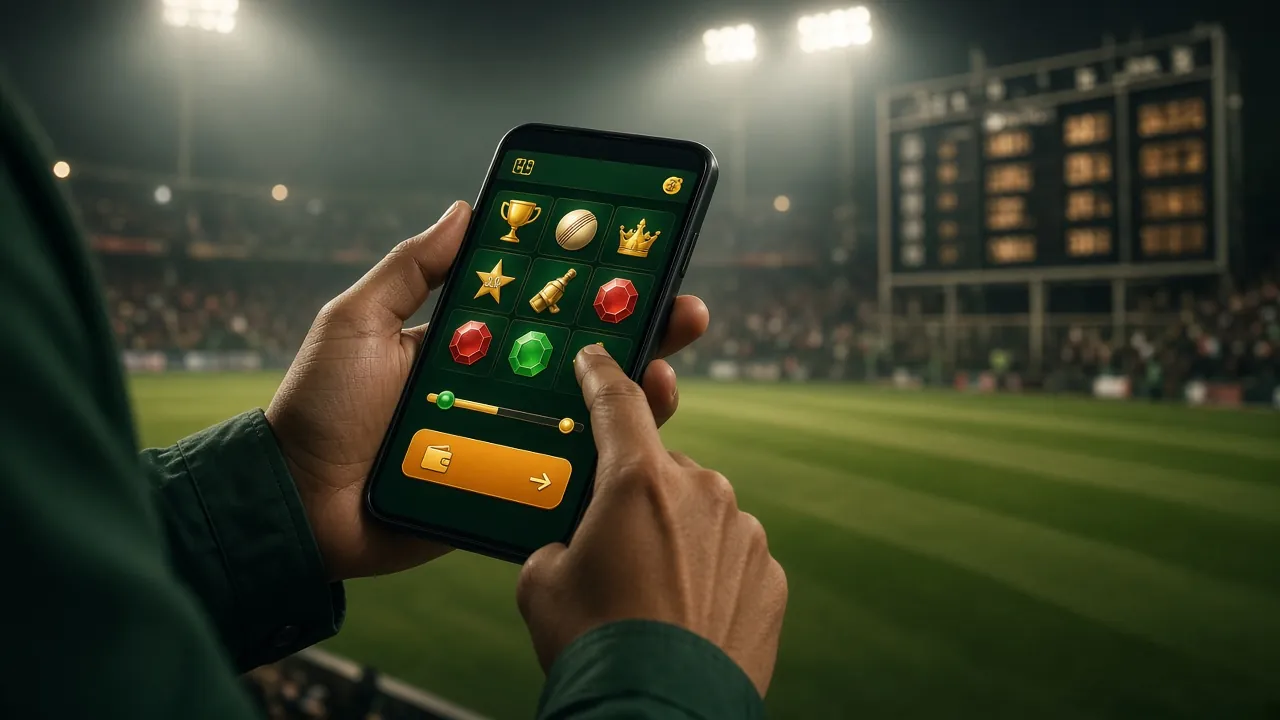
Slots, fishing and live dealer tables sit in the casino lobby, and every market on the cricket board uses the same balance and the same wallet.
-
1
Deposit Taka from a wallet you already use
Log in, open Deposit, and choose bKash, Nagad, Rocket or bank transfer. The minimum is ৳250 and the money usually lands in about a minute, quick enough between overs. The wallet only has to be in your own name.
-
2
Claim the welcome offer before your first bet
A 175% match applies to the first top-up up to ৳26,000, with 18× wagering on the bonus and seven days to clear it. Read the eligible game list once, because the terms name the games that count in full.
-
3
Send KYC once, then forget about it
Upload a photo of your NID, passport or driving licence from the profile menu. Review takes about two hours, and it is needed before your first withdrawal rather than before your first bet, so a match-night deposit is still fine.
-
4
Withdraw to a wallet in your own name
The minimum request is ৳400, with up to ৳145,000 a day before VIP tiers raise it. Most payouts finish in about 45 minutes; the first one after KYC can stretch to an hour while the account is checked by hand.
Registering from your phone? The 6690q app keeps the session open between matches and sends price alerts; version 2.6.5 is 52 MB and needs Android 8.0 or newer.
When the form will not accept your details
Almost every failed sign-up comes down to one of these five things. Match the message on your screen to the row below before you try again.
| What you see | Why it happens | What to do next |
|---|---|---|
| Number already registered | An account was opened with this SIM before, or a relative used the same number. | Open the login page and use the reset link if the password is gone. Never open a second account on one number. |
| SMS code never arrives | A digit typed wrong in the number, full message storage, or a congested network during a big match. | Re-read the number, clear old messages, wait 60 seconds, then request one fresh code. Mobile data often works better than shared office Wi-Fi. |
| Password rejected twice | Fewer than eight characters, or a space copied in from a message or a notes app. | Type both password fields by hand with no spaces and check the caps-lock light before pressing Register Now. |
| Page reloads on submit | An old copy of the form left open since yesterday, a browser extension, or autofill moving values into the wrong field. | Open a fresh tab, switch autofill off for this site, and try one more time in a private window. |
| Referral code not accepted | A missing letter, or a code from a friend whose own account is not active. | Leave the field blank: it is optional and the account still opens. Ask the friend to resend the exact code afterwards. |
Questions sent to live chat before match night
Short answers to the six things players ask most often while filling the form. Support runs 24/7 if your case is not here.
1How long does the 6690q register form take?
Most people finish in about two minutes: one phone number, two password fields, one tick. The slow part is the SMS code, which can take up to a minute on a busy network. Keep the page open until it confirms, and press Register Now only once.
2Can I register with a Nagad number and deposit from bKash?
Yes. The number on the form only has to be yours and reachable. Your bKash, Nagad or Rocket wallet may sit on a different number, as long as the wallet is registered in your own name for KYC. Mixing wallets on one account is normal and works fine.
3I forgot the password I just created. What now?
Use the reset link on the login page. Enter the same mobile number, confirm the SMS code, then set a new password. Nothing else changes: your balance, bonus progress and KYC status stay exactly where they were. Do not open a second account to get around it.
4What should I check if the SMS code still does not come?
Start with the number you typed, then look at the phone itself, since full message storage blocks new codes. Wait 60 seconds before asking for another, because rapid requests are slowed down on purpose. If it still fails, leave Wi-Fi for mobile data and reload the form once.
5Do I need the app to register and place a bet?
No. The form, the betting slip and the casino lobby all work in a normal phone browser. The app is a convenience for people who bet most days: it stays logged in and pushes market alerts. The APK and install steps live on the 6690q app page.
6How many accounts can one person hold?
One. Duplicate accounts in the same name are closed during KYC, and any bonus on them is removed. If you suspect the number was used before, try the login page first, or ask live chat to check it and free the number for you.
Set your limits before the first deposit
Betting is entertainment, not income. Decide a monthly amount you can lose without touching rent, and stop when it is gone.
Your mobile number, password and KYC documents are used to run the account, confirm payments and meet identity checks. They are never sold. Read the Privacy Policy for retention periods and the Terms & Conditions for account rules. 18+ · Play Responsibly.